Images & embeds
Add images with alt text, captions, and optional browser or device framing.
Store images alongside your pages and reference them with root-relative paths.
Use standard Markdown for a plain image, or the <Image> component when you want
a caption or framing.
Store and reference assets
Keep image files in your project (an images/ folder at the root is a common choice) and reference them by their path from the root, starting with /.
my-docs/velu.jsonindex.mdximages/dashboard.pngarchitecture.svg
A file at images/dashboard.png is referenced as /images/dashboard.png from
any page, regardless of where the page lives.
Add the image file before you reference it. A missing asset shows a broken image on the page: leave a comment placeholder until the file is ready.
Markdown images
Standard Markdown image syntax works everywhere. Always write descriptive alt text: it's read by screen readers and shown if the image fails to load.

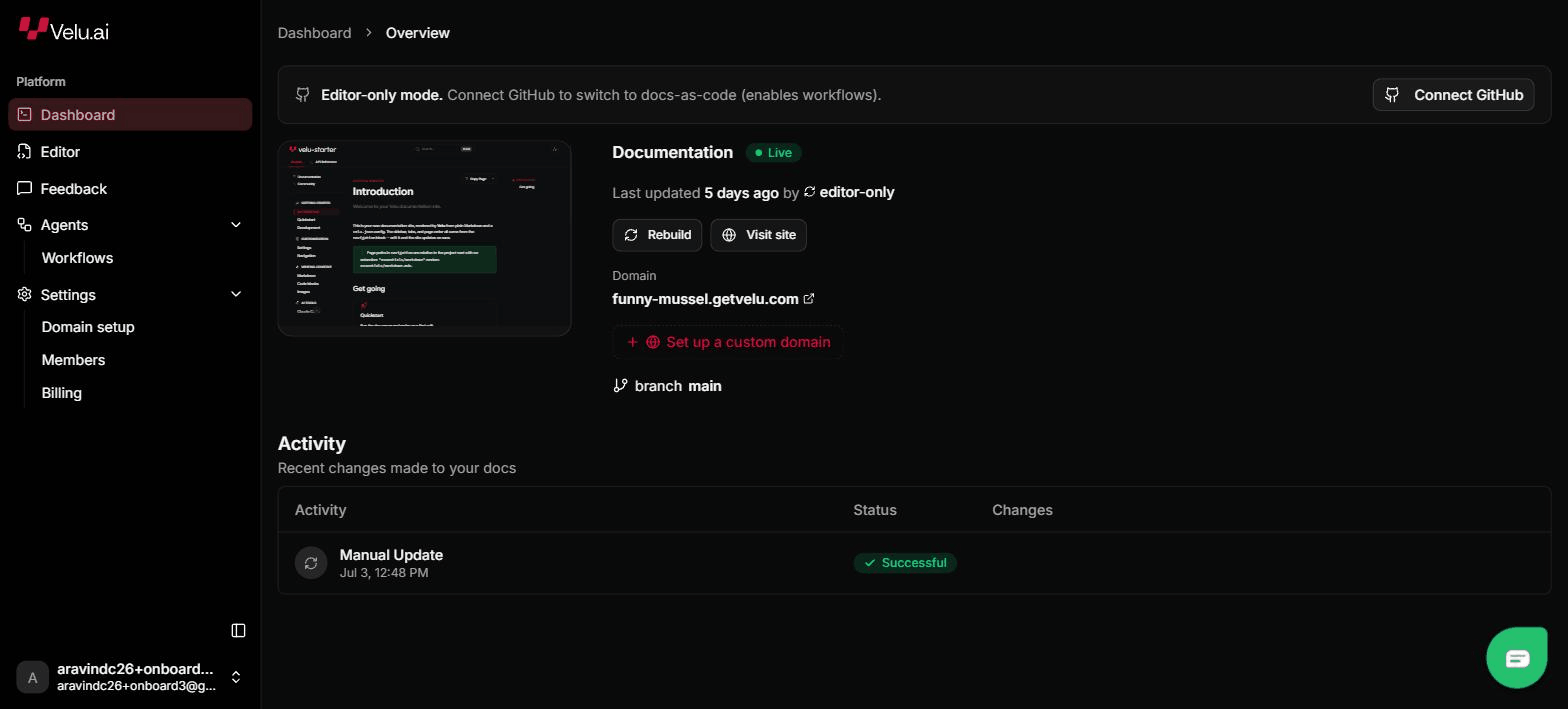
The Image component
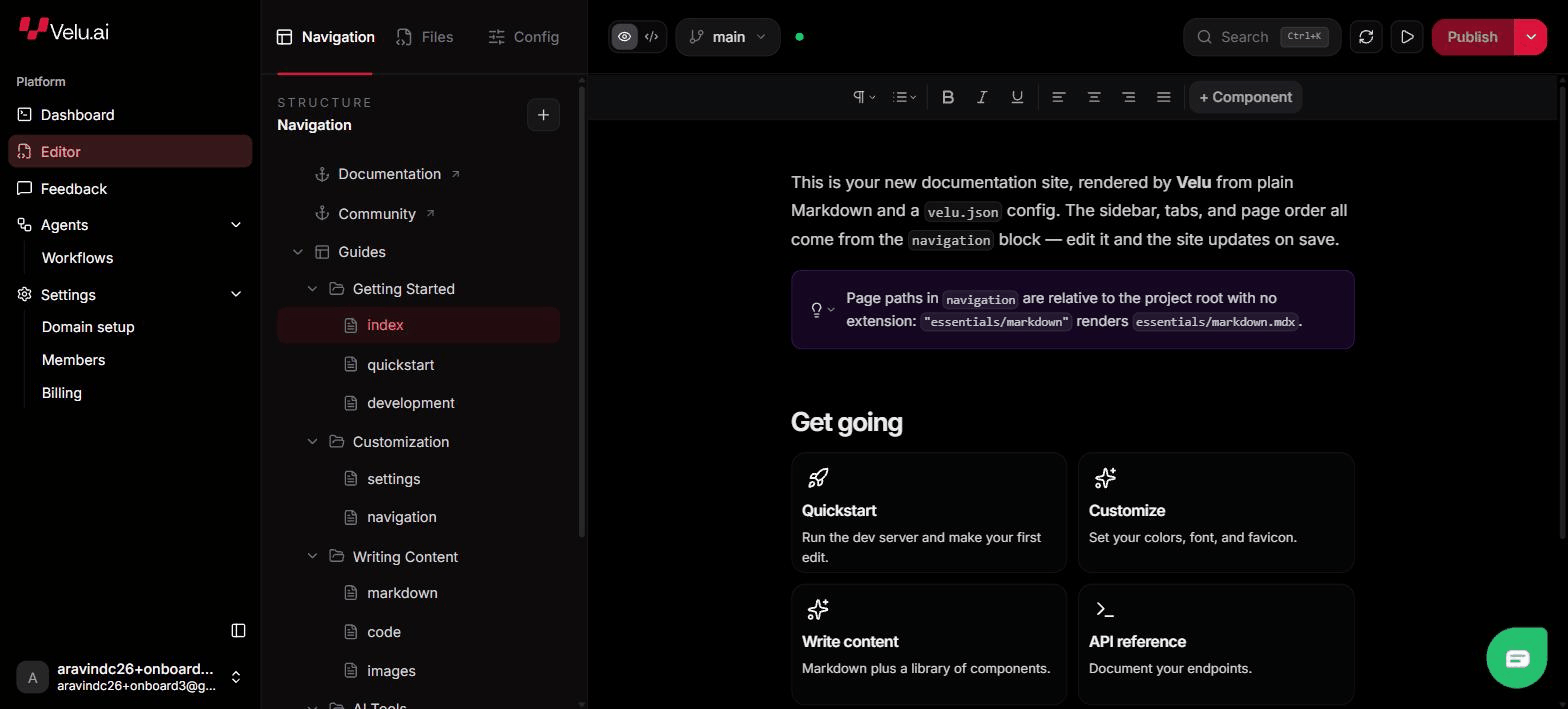
Use <Image> when you want a caption or a frame around the picture.
| Prop | Purpose |
|---|---|
src | Path to the image (required). |
alt | Alt text. |
caption | Caption shown below the image. |
chrome | "window" for browser chrome, "frame" for a device bezel. |
<Imagesrc="/images/dashboard/editor.png"alt="Velu documentation editor"caption="Edit and preview your documentation from the Velu dashboard."chrome="window"/>
Browser and device framing
chrome="window" wraps the image in a browser window, which suits product
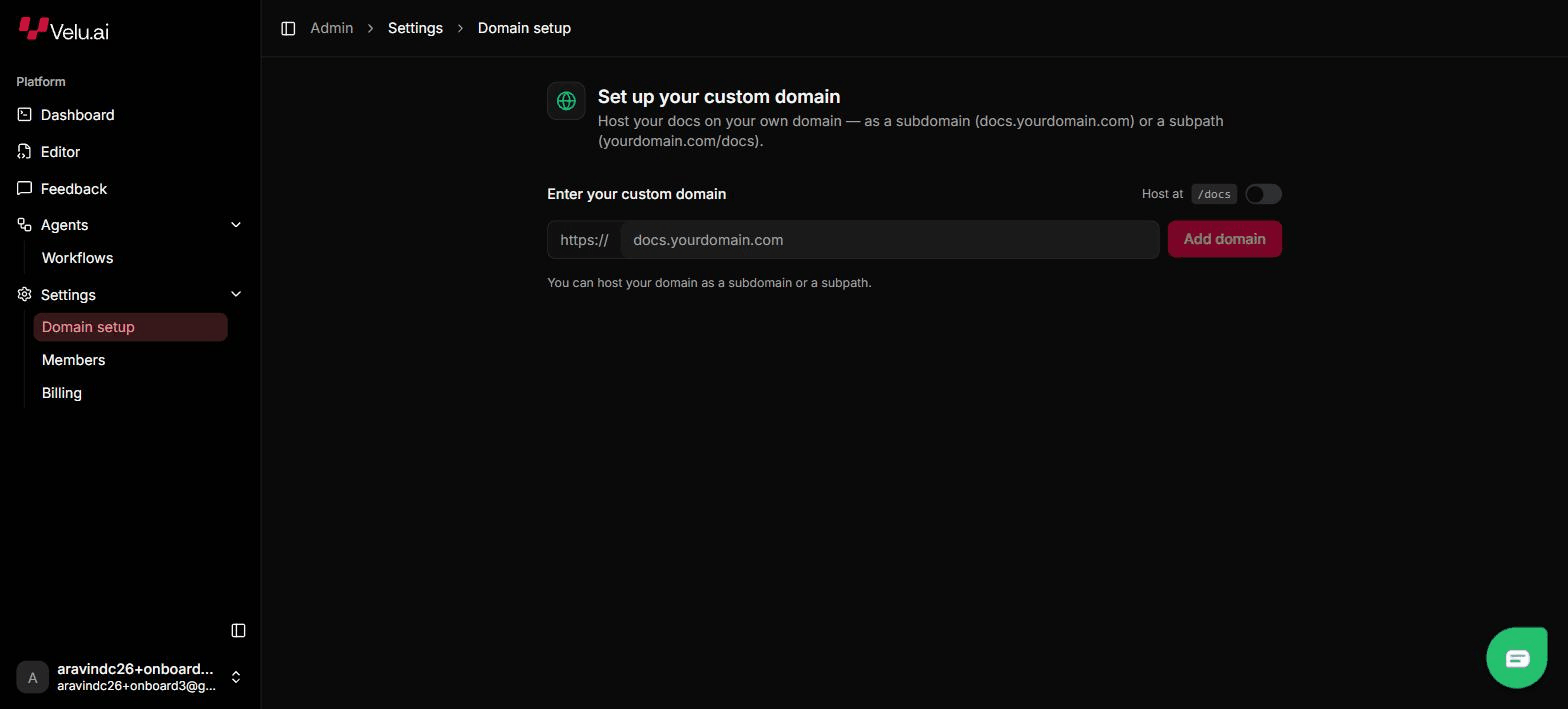
screenshots. chrome="frame" wraps it in a device bezel, which suits mobile
views. Omit chrome for a plain image.
<Imagesrc="/images/dashboard/domain-setup.png"alt="Custom domain setup"chrome="frame"/>
Images are lazy-loaded, so pages with many screenshots stay fast.
Videos and embeds
Velu has no dedicated video component. To embed a video or another external frame, use standard HTML in your MDX.
<video src="/images/demo.mp4" controls muted loop />
For a hosted video or other embed, use an <iframe> with the provider's embed
URL.
<iframesrc="https://www.youtube.com/embed/VIDEO_ID"title="Product tour"allowfullscreen></iframe>
For images, prefer <Image> over a raw <img> so you get captions, framing,
and lazy loading.